How to Optimize Your TPT Listing Title and Description for More Sales
Learn how to optimize TPT listing titles and descriptions with keyword research, clear structure, before-and-after examples, and a practical checklist.
To optimize TPT listing title and description copy, think like a teacher searching between classes. They need to know what the resource teaches, who it is for, how it is delivered, and why it is worth clicking. Clear beats clever.
Why Your Title Is Your Most Valuable SEO Real Estate on TPT
The title tells both buyers and search what the product is. A cute title can support branding, but it should not replace searchable language.
If your product teaches main idea for 3rd grade, say that. If it is digital and printable, say that too.
The Anatomy of a High-Ranking TPT Title
Lead with the Primary Keyword
Start with the phrase teachers are likely to search. "Main Idea Reading Passages" is stronger than "Reading Detectives."
Include Grade Level and Resource Type
Grade level reduces mismatch. Resource type tells teachers how they will use it.
Add a Benefit or Hook
Use simple benefits like no-prep, differentiated, printable, digital, centers, or review when they are accurate.
Example: Before and After Title Optimization
Before: "Fraction Fun Pack"
After: "3rd Grade Fractions Worksheets: Number Line and Equivalent Fractions"
Before: "Soccer Learning Activities"
After: "World Cup 2026 Math Activities: Graphing and Statistics for Grades 4-6"
How to Research the Right Keywords for Your Title
Before writing your title, research which keywords buyers actually use. SpyLore is a keyword research tool built for TPT that helps sellers compare marketplace phrases, trending searches, and competitor title patterns.
Do not choose keywords only by volume. Choose the phrase that fits the resource most accurately.
Writing a TPT Description That Converts
Structure: Problem to Solution to Features
Start by naming the classroom problem. Then explain how the resource solves it. After that, list what is included, how to use it, and who it fits.
Using Keywords Naturally in Your Description
Use your primary keyword in the first paragraph. Use secondary phrases only where they help clarity. Teachers can feel when text is written only for search.
Bullet Points vs Paragraphs
Use short paragraphs for explanation and bullets for included pages, skills, formats, and prep notes.
Common Title and Description Mistakes
Avoid vague titles, all-caps hype, repeated keyword stuffing, missing grade levels, unclear formats, and descriptions that hide the product details too low on the page.
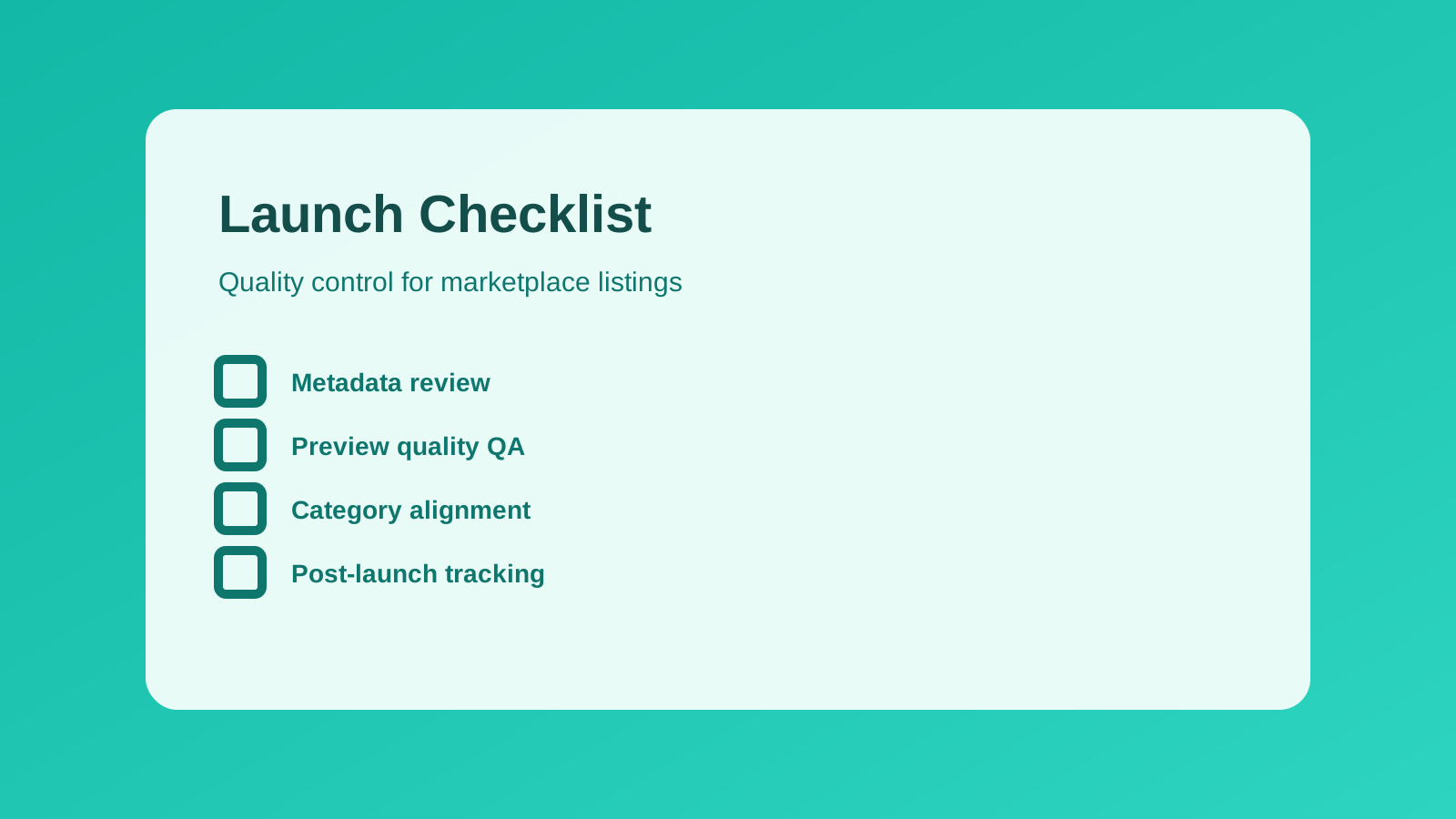
Quick Optimization Checklist for Every Listing
- Primary keyword appears near the start of the title.
- Grade level is included when relevant.
- Resource type is obvious.
- First paragraph explains who it is for.
- Bullets list what is included.
- Preview images match the description.
- Tags support the same keyword strategy.
Conclusion
When you optimize TPT listing title and description copy, you help the right teacher understand the product faster. Research the keyword, write a clear title, and make the first screen of the listing do real work.
Want deeper keyword data? Try SpyLore.
Find TPT keywords, check listing clarity, and optimize your next product with a workflow built for teacher sellers.