How to Rank on Teachers Pay Teachers in 2025: Complete SEO Guide
SpyLore · TPT seller SEO guide
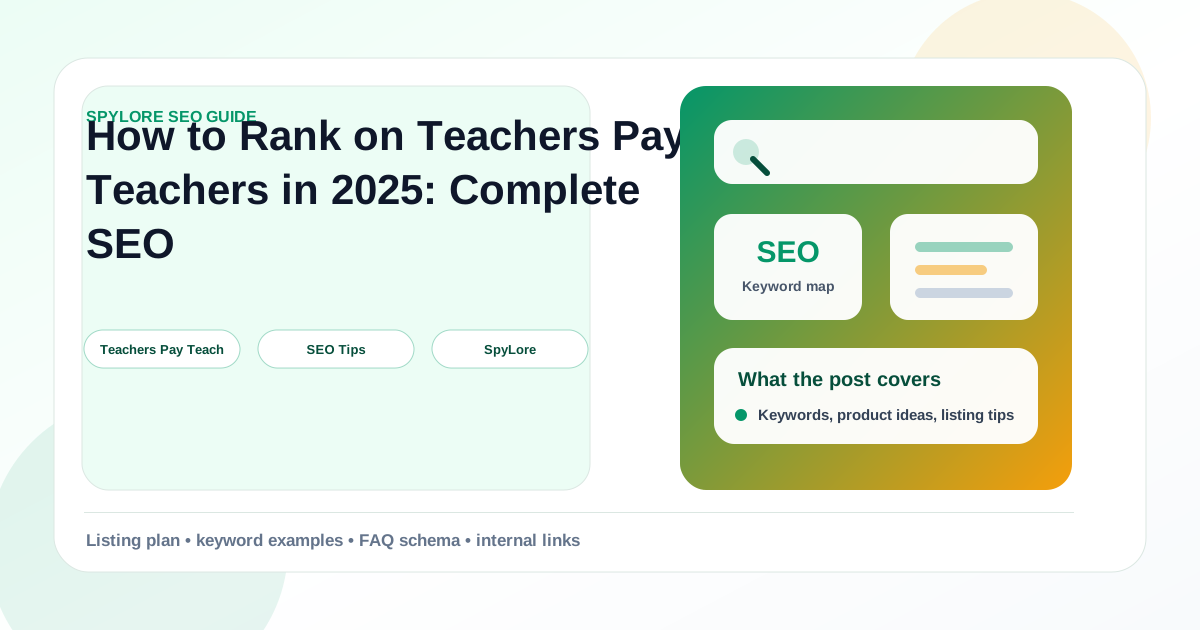
How to Rank on Teachers Pay Teachers in 2025: Complete SEO Guide
Learn the exact TPT SEO strategies that top sellers use to rank higher, get more traffic, and increase sales on Teachers Pay Teachers.
Ranking on Teachers Pay Teachers is not about repeating the same keyword until a listing sounds unnatural. Strong TPT SEO is a combination of relevant search terms, clear product positioning, useful preview images, competitive pricing, and conversion signals that tell the marketplace your resource solves a real classroom problem.
This guide gives you a practical workflow you can use as a full content draft or as a starter template for your own screenshots, examples, and seller data. Replace the examples with your product categories, then run the checklist every time you publish or refresh a resource.
Why TPT SEO Works Differently
Teachers Pay Teachers buyers usually search with a classroom job in mind. They are not only typing broad phrases like "math worksheet" or "reading activity." Many searches include grade level, skill, seasonal timing, standards language, format, or intervention need. A first grade teacher might search for "CVC word centers," while an upper elementary teacher might search for "fractions on a number line task cards."
That means your listing should help the marketplace understand three things quickly: who the resource is for, what skill it teaches, and why it is easy to use. The best ranking pages usually make those signals obvious in the title, description, preview images, and category choices.
Build a Keyword Map Before You Edit Listings
Start by making a keyword map instead of editing one title at a time. A keyword map keeps your product line organized and prevents every listing from targeting the same broad phrase. Use one primary keyword, two supporting keywords, and a few contextual phrases for each listing.
For example, a phonics resource might use:
- Primary keyword: CVC word worksheets
- Supporting keyword: kindergarten phonics worksheets
- Supporting keyword: short vowel practice
- Contextual phrases: literacy centers, morning work, small group intervention
The primary keyword belongs near the front of the product title. Supporting keywords can appear in the first paragraph, subheadings, preview copy, and image alt text if you publish images on your own site. Contextual phrases help buyers and search engines understand use cases without making the copy feel stuffed.
Write Titles That Match Buyer Intent
Your title should be specific enough to attract the right buyer and broad enough to capture meaningful search demand. A weak title says "Fun Reading Pack." A stronger title says "CVC Word Worksheets for Kindergarten Phonics and Short Vowel Practice." The stronger version includes the skill, grade, format, and intent.
Use this title formula as a starting point:
Main keyword + grade or audience + format + classroom use case
Do not force every element into every title. If the title gets too long, prioritize the part a teacher would actually search. Your goal is to make the listing recognizable in search results within a few seconds.
Optimize Descriptions Without Stuffing
The first 150 to 250 words of your description matter because buyers scan fast. Start with a direct summary of the problem the resource solves. Then list what is included, who it is for, how it can be used, and what outcomes teachers can expect.
A strong description structure looks like this:
- Quick value statement with the primary keyword
- Grade level and skill fit
- What is included in the download
- Classroom use cases such as centers, homework, sub plans, or intervention
- Differentiation notes and prep requirements
- Related resources or bundle links
Use keywords naturally in the value statement and a few section labels. If the same phrase appears in every sentence, the copy becomes harder to read and can hurt conversion. Conversion matters because listings that earn clicks but do not convert usually lose momentum.
Use Preview Images as Ranking Support
Preview images do not replace keyword work, but they can improve click-through rate and buyer confidence. Search visibility becomes much more valuable when teachers click your result and understand the offer immediately.
Make your first preview image readable at small size. Include the core skill, grade range, and resource format. If the product includes many pages, show a clean sample spread instead of a crowded collage. If the resource saves prep time, show that promise visually with simple labels like "print and go," "digital option," or "centers included."
Your images should answer the buyer questions that text alone cannot answer:
- What does the resource look like?
- Is it right for my grade level?
- How much prep is required?
- Does it include enough variety for the price?
- Can I use it this week?
Track Ranking Signals Weekly
TPT ranking can move because of seasonality, competitor updates, product age, or changes in buyer behavior. A weekly review keeps you from making random edits. Track each target keyword, current rank, product clicks, conversion rate, price, and the date of your last change.
Use a simple update rhythm. Protect listings that already rank well. Improve listings that are close to page one. Rebuild listings that get impressions but weak clicks. Retire or reposition listings that no longer match demand.
When you edit, change one major thing at a time. If you rewrite the title, redesign the cover, and change pricing on the same day, it becomes harder to know what caused the result.
Quick Checklist
Use this checklist before publishing a new resource or refreshing an older one:
- The main keyword appears near the front of the title.
- The grade level, subject, and format are clear.
- The first paragraph explains the classroom problem solved.
- The description includes what is included and how to use it.
- Preview images are readable on mobile.
- Bundle links and related products are easy to find.
- Pricing matches similar high-performing listings.
- Ranking movement is tracked after each update.
What to Do Next
Choose five listings with meaningful impressions but weaker sales. Map one primary keyword and two supporting keywords for each. Update the title and first description section first, then wait long enough to measure rank and conversion changes before editing the next major element.
This is the repeatable SEO habit that separates random listing tweaks from a real TPT growth system.