AI Mistakes in Teachers Pay Teachers Resources: 10 Quality Checks Every TPT Seller Needs
Catch incorrect answers, missing letters, misleading artwork and export problems with 10 practical checks for Teachers Pay Teachers resource quality.
AI mistakes in Teachers Pay Teachers resources are a quality-control problem, not just a spelling problem. An answer can look plausible and still teach the wrong idea. A page can be attractive and still omit a required item, confuse a young reader, or fail when printed.
Chalkbeat's August 2026 reporting describes examples of apparent AI-generated classroom materials with obvious errors. This guide responds with an original review process. The demonstration examples below are invented for teaching purposes; they are not allegations about named sellers or copies of marketplace products.
Quality review and marketplace permission are separate questions. Check the policy-focused guide to TPT's reported AI ban before choosing a creation workflow. Passing these checks does not make prohibited material acceptable under a platform's rules.
1. Solve every question independently
Do the work without looking at the supplied answer key. Compare your solution with both the pupil-facing question and the key. For open responses, decide which alternative explanations or methods should receive credit.
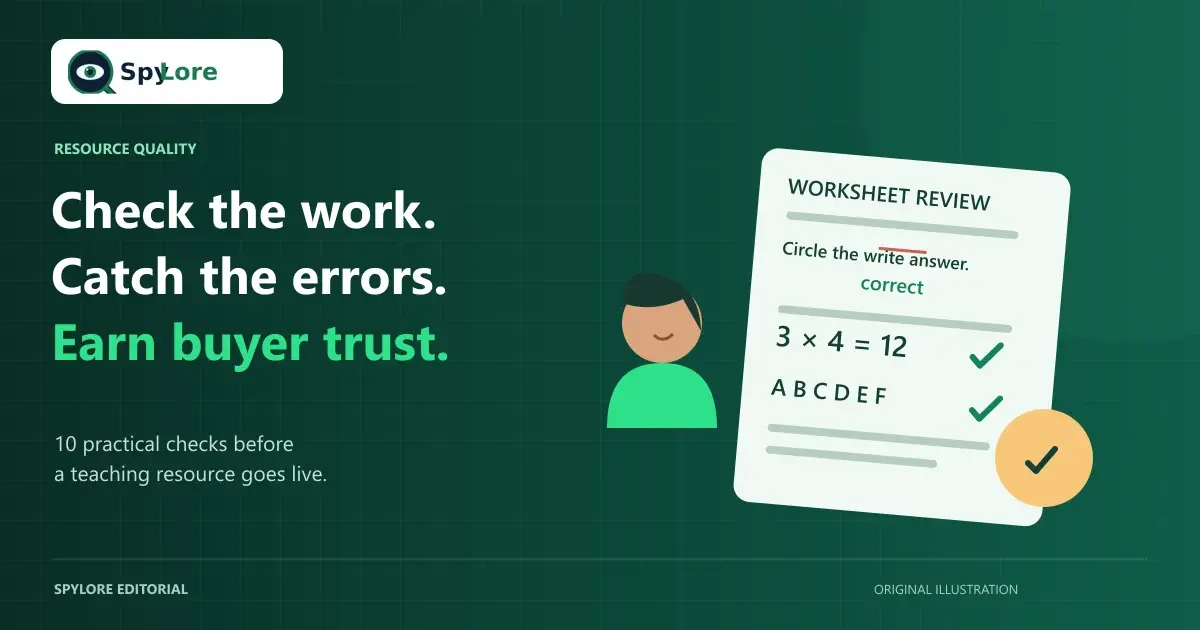
Example: a task states that 3 groups contain 4 counters each, but its key says 7. Correct the result to 12 and check that the illustration really shows three equal groups of four. Fixing only the numeral leaves a problem if the picture still represents something else.
When the subject is outside your expertise, obtain an appropriately qualified review before selling it. A second automated answer is not an independent subject specialist.
2. Check completeness against a separate list
Use an inventory made outside the resource: letters required, steps in the routine, cards in the set, questions in the assessment, or pages promised in the listing. Check one item at a time rather than scanning for a generally complete appearance.
Example: an alphabet activity includes A through E and then G. Restore F, check its associated picture and sound, and count the remaining sequence. For number lines, examine intervals and endpoints as well as the total number of labels.
This is particularly important for bundles assembled from several files. A polished contents page does not prove that every listed file is present.
3. Verify that illustrations teach the intended concept
Look at diagrams as instructional content, not decoration. Check labels, quantities, spatial relationships, scientific features, and whether the image supports the wording of the question.
Example: a fraction model labels one of three equal pieces as one quarter. Replace the diagram or correct the task so the denominator matches the number of equal parts. A more attractive image would not resolve the conceptual mismatch.
For historical or cultural subjects, avoid visual shorthand that invents an event or reinforces a stereotype. If an image cannot be verified as appropriate, use a simpler, accurately labeled representation.
4. Proofread spelling, grammar and regional language
Review headings, instructions, captions, answer keys, editable text, and any words embedded inside images. Spellcheck may miss a correctly spelled word used in the wrong context.
Example: an instruction says “Circle the write answer.” Replace “write” with “right” or, more clearly, “Circle the correct answer.” Then check whether pupils are supposed to circle, write, match, or explain: the direction must describe the actual action.
Choose a language convention appropriate to the resource. “Math” and “maths,” grade and year-group labels, and regional spelling are useful distinctions to explain in a listing. Do not present an automatically translated version as classroom-ready without a competent language review.
5. Match difficulty and content to the intended age group
Inspect vocabulary, sentence length, required background knowledge, and the number of steps pupils must hold in mind. A cheerful visual style does not make difficult reading accessible to younger learners.
Example: a beginning-reader activity asks pupils to “evaluate the protagonist's conflicting motivations.” Rewrite the prompt for the actual learning goal and provide an appropriate text. Do not merely replace a long word while retaining an unsuitable task.
Also review themes and images for age suitability. UNESCO's guidance supports human-centered, age-appropriate pedagogical and ethical validation of generative-AI use. It is not a marketplace approval label.
6. Verify factual statements and references
For each substantive claim, locate a reliable source and record what it actually supports. Check names, dates, units, locations, scientific terminology, quotations, and any standards identifiers. Do not invent a source because a generated citation looks formal.
Example: a geography task calls Australia the world's largest country. Correct the claim and decide whether the question concerns a country, continent, or island. The correction may require rewriting the question, not just swapping a name in the key.
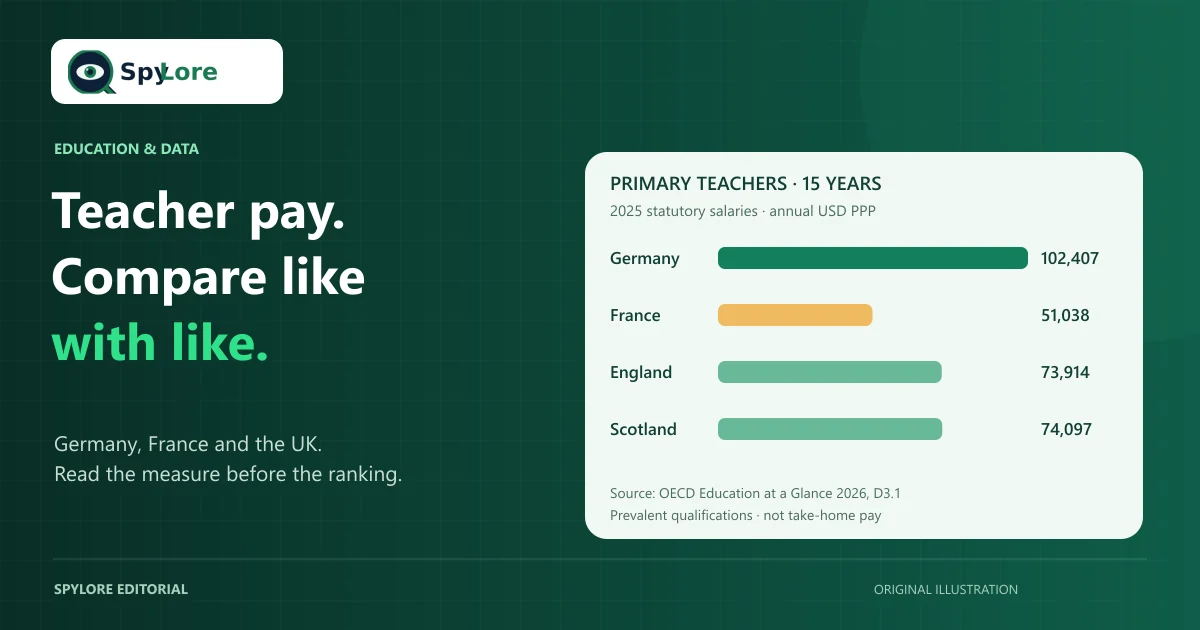
For changing subjects, record the date reviewed. Our European teacher salary comparison, for example, separates a 2026 publication from its 2025 data rather than relabeling old observations as current pay awards.
Improve Your TPT SEO With SpyLore
Research relevant keywords, improve listing clarity, and explore tools built for Teachers Pay Teachers sellers. Start with the Free plan and compare the current Pro features and billing terms when you need more.
SpyLore is independent and is not endorsed by TPT. Research tools do not certify resource quality or marketplace compliance.
7. Review accessibility and practical classroom use
Check contrast, readable type, space for answers, and whether color alone carries an essential distinction. Test a grayscale printout and consider whether directions remain understandable when a pupil needs a larger page or a simpler visual layout.
Example: “Complete the green questions” becomes unusable on some printouts. Add symbols or labels and refer to those in the directions. Avoid compressing a page until the text fits at the expense of readability.
Describe the actual format and any alternatives provided. Do not label a document universally accessible solely because it has a large font.
8. Check originality, permissions and private information
Review the origin of passages, artwork, fonts, photographs, and adapted tasks. Keep a record of permissions and license conditions. TPT's intellectual-property guidance distinguishes original work and incorporated material you have the right to use.
Example: a worksheet uses a decorative font permitted only for personal projects. Obtain the appropriate commercial permission or replace it. Do not assume that purchasing a download, finding an image online, or generating a variation resolves every rights issue.
Remove identifiable pupil information from examples and screenshots. Use invented demonstration names and neutral sample work where appropriate.
9. Test the final exported files
Open the buyer's actual downloads on another device if possible. Check page order, margins, links, missing fonts, image resolution, answer-key separation, and printing. Test editable fields in the software named in the listing.
Example: the editable source includes an answer key, but the exported PDF omits its final page. Re-export, reopen the PDF, and compare its contents with the product inventory. Previewing the source project alone would miss this error.
A useful test is to hand the files to another educator without a verbal explanation. Our substitute lesson-plan checklist shows how missing context becomes a classroom usability problem.
10. Match the title, description and preview to the product
Treat the listing as a factual account of the reviewed files. State the grade or audience, learning focus, format, contents, preparation, and any software requirements. Use a real preview rather than an idealized mockup that promises a different result.
Example: a listing promises “40 task cards with answers,” but only 32 cards appear in the download. Supply the promised set or correct the listing before publication. Do not use broader keywords that imply subjects or age groups the resource does not serve.
SpyLore's listing optimization tools can help you review clarity and relevant wording. They cannot independently verify every answer, inspect every classroom context, or guarantee sales.
Turn the checks into a repeatable release process
Keep a review sheet containing the product version, reviewer, date, issues found, corrections, and final file names. Repeat the affected checks after editing; changing a question can invalidate its answer key, preview, or contents list.
For a quick final handover, ask: Is the learning goal clear? Are all tasks and answers correct? Are the files complete and usable? Do I have the relevant rights? Does the listing accurately describe this version? An unresolved answer is a reason to keep reviewing, not to add a stronger sales promise.
Improve Your TPT SEO With SpyLore
Research relevant keywords, improve listing clarity, and explore tools built for Teachers Pay Teachers sellers. Start with the Free plan and compare the current Pro features and billing terms when you need more.
SpyLore is independent and is not endorsed by TPT. Research tools do not certify resource quality or marketplace compliance.